GitHub Today walkthrough: your day in git
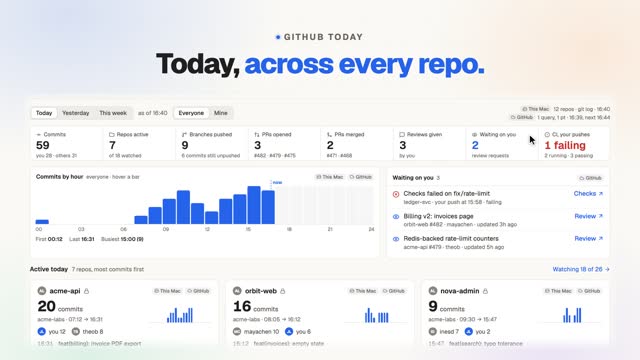
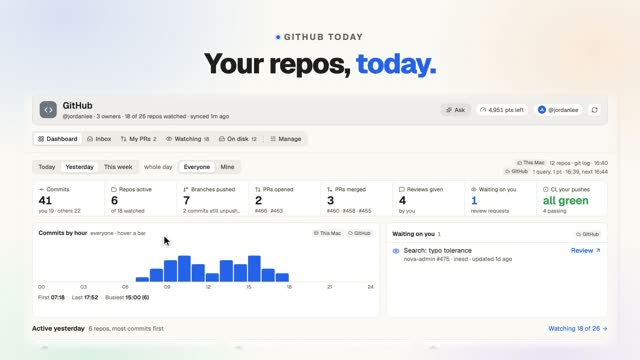
This 32-second walkthrough follows GitHub Today in FavTray, a Mac menu bar app for developers, one step at a time. Commits, PRs and reviews across every repo, and where each number comes from. The range switch and the Mine toggle change the totals, and hovering a tag shows where each number came from: git log on this Mac with no network, or one GitHub query. The hourly chart breaks commits down by repo, unpushed commits are flagged, and local clones still show up with no token set.
Read more on the GitHub Today page, or see what’s free and what’s in Pro.
What you’ll see
On screen
The video has music and on-screen captions, no narration. The captions, in order:
- 0:00 Today, across every repo.
- 0:02 Today. Yesterday. This week.
- 0:06 Mine or everyone.
- 0:10 Every number says where from.
- 0:14 Commits by hour.
- 0:18 Only on this Mac.
- 0:22 Open any repo.
- 0:26 No token? Still works.
- 0:30 Free: 2 watched repos.