GitHub walkthrough: inbox to PR to failing CI
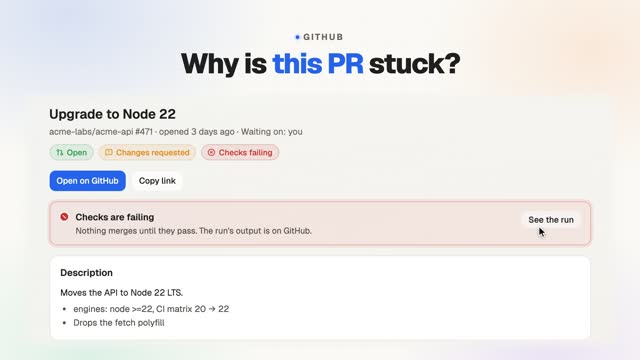
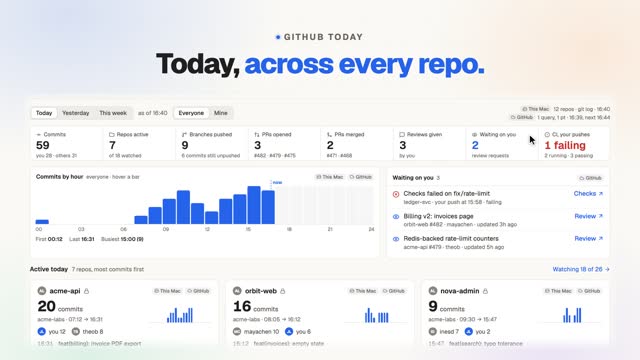
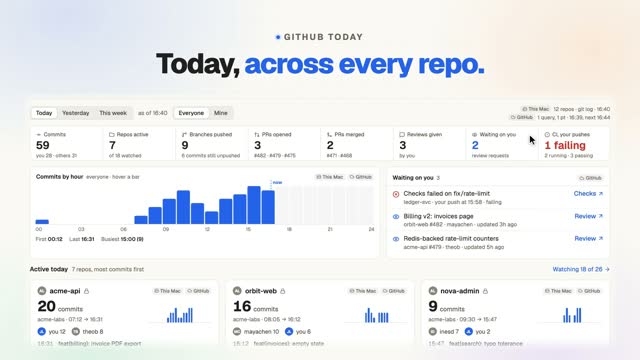
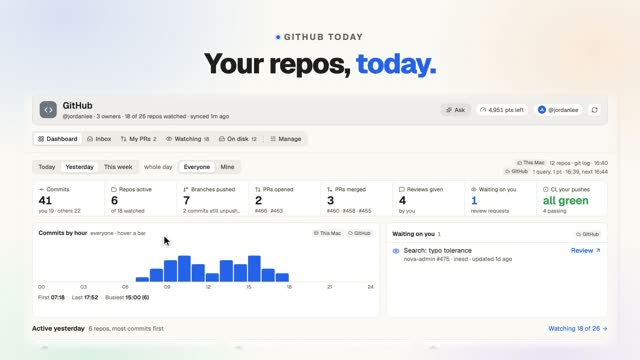
This 28-second walkthrough follows GitHub in FavTray, a Mac menu bar app for developers, one step at a time. From a notification to the PR to the check that failed, without a browser tab. Selecting a notification shows why you are seeing it and the PR state card, with Mark read, Mute thread and Open on GitHub. My PRs filters by open, changes requested and checks failing, and a red banner leads to the failing run. FavTray uses the gh CLI login you already have and never changes those credentials.
Read more on the GitHub page, or see what’s free and what’s in Pro.
What you’ll see
On screen
The video has music and on-screen captions, no narration. The captions, in order:
- 0:00 Why is this PR stuck?
- 0:02 Your inbox, with reasons.
- 0:06 Why you’re seeing this.
- 0:10 Your PRs, at a glance.
- 0:14 Red CI? Straight to the run.
- 0:18 Reading isn’t reviewing.
- 0:22 Uses the login you already have.
- 0:26 Free: 2 watched repos.